If you are building an app, you already know you need to be posting on TikTok, Instagram Reels, and YouTube Shorts.
The problem is that creating short form videos consistently takes time. Most founders either post once and give up, or never start at all.
There is a better way.
In this tutorial you will learn how to batch create an entire week of short form marketing videos in one sitting, using two simple tools:
Promogen to generate cinematic feature showcase videos from your screenshots
CapCut to do quick edits and add captions before posting
Why Batch Creating Videos Changes Everything
Most founders think about content one post at a time.
You film something, edit it, post it, and then repeat the whole process three days later when you remember you need to post again.
This is exhausting and inconsistent.
Batch creating means you sit down once, create everything in one session, and schedule it out across the week.
The benefits are simple:
You stay consistent without thinking about it daily
Your content looks cohesive because it was made in the same session
You spend less total time on marketing
You always have something ready to post
For app founders, batch creating is especially powerful because your product already has multiple features worth showcasing. Each feature is its own video.
What You Will Need
Your app screenshots or screen recordings
A free Promogen account at promogen.app
CapCut (free, available on desktop and mobile)
Step 1: List Out Your Features
Before you open any tool, spend five minutes writing down every feature your app has worth showing.
Do not overthink this.
Examples:
Dashboard overview
Onboarding flow
A core workflow your users do every day
A settings or customization feature
A before and after comparison
If you can list five to seven features, you have five to seven videos. That is a full week of content before you have even opened Promogen.
Step 2: Capture Your Screenshots or Recordings
Go through your app and capture each feature you listed.
You can use:
Screenshots of key screens
Short screen recordings of a feature in action
Try to capture two to three visuals per feature. This gives you more variety when exporting.
If your recordings are not in MP4 format, convert them before uploading.
Step 3: Upload to Promogen and Export Your Videos
Go to promogen.app and create a free account.
Upload your screenshots and screen recordings.
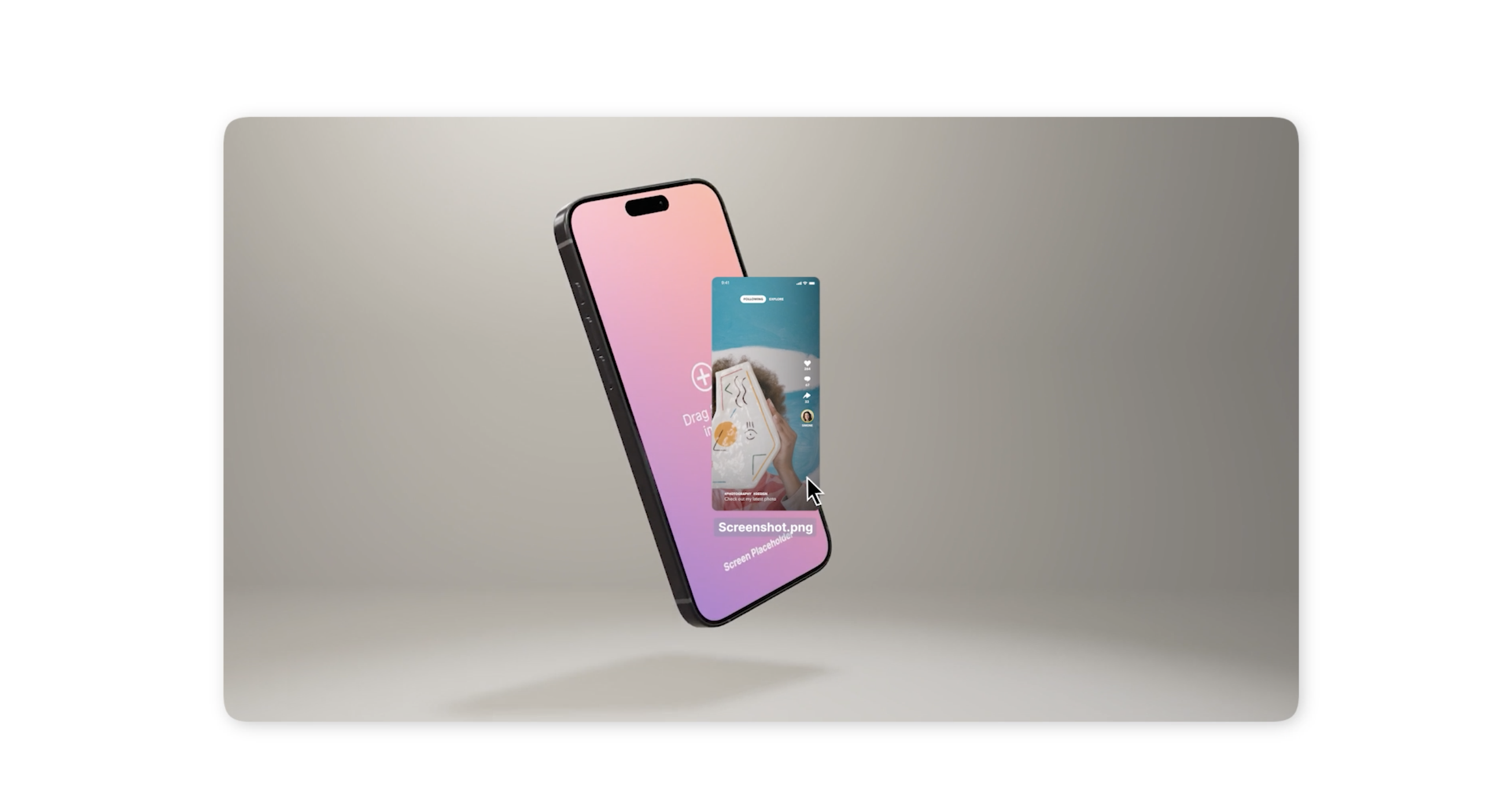
Promogen automatically turns your product visuals into cinematic animated video clips. No animation skills needed.
For each feature you want to showcase:
Upload the relevant screenshots or recording
Choose your animation style, background, and device model
Preview the result
Export in 4K
Repeat this for every feature on your list.
By the end of this step, you should have five to seven polished video clips sitting in your exports folder, each one showcasing a different part of your app.
That is your week of content, already generated.
Step 4: Do a Quick Edit Pass in CapCut
Open CapCut and import your exported clips one at a time.
CapCut is a free video editing app available on desktop and mobile. It is built for exactly this kind of short form content.
For each video, keep the edit simple:
Trim the clip to under 30 seconds
Add a caption at the start that explains what the viewer is about to see
Add subtitles or a short text overlay highlighting the feature
Drop in a trending audio track or royalty free music
You do not need to do anything complicated here. Short, clean, and clear works best for TikTok and Reels.
A simple structure that works well:
Hook in the first two seconds — show something visually interesting
Feature in action — let the animation do the talking
Short text overlay — one line explaining the value
End on the product or logo
Repeat this for each clip.
One Session, Seven Videos
Most founders spend more time thinking about content than actually making it.
Batch creating flips that. One focused session with Promogen and CapCut gives you everything you need to show up consistently on TikTok, Reels, and Shorts for the entire week.
Your app already has the features. Promogen turns them into videos.
Start creating your first batch of app marketing videos at promogen.app