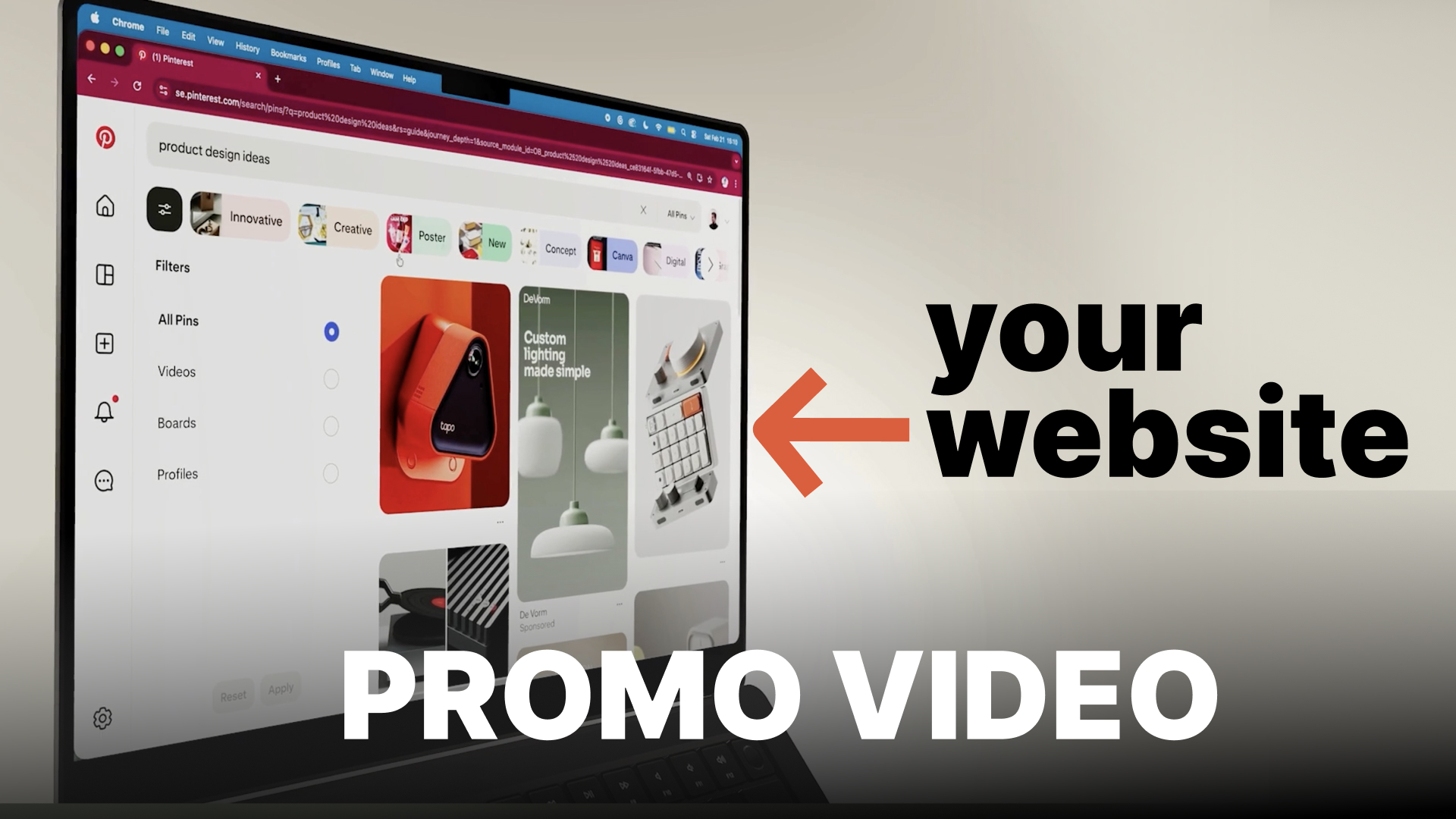
If you run a SaaS product, startup, or online app, having a short promo video on your landing page can dramatically increase conversions.
The problem is that creating a product video traditionally requires 3D animation, video editing skills, and hours or even days of work.
Today that is no longer necessary.
In this tutorial you will learn how to create a professional SaaS promo video in about 30 minutes, even if you have no experience with animation or video editing.
We will use two simple tools:
Promogen to generate animated product shots
Canva to assemble the final video
You can follow along with the tutorial video below.
Why Every SaaS Website Needs a Promo Video
Promo videos are one of the most effective ways to explain a product quickly.
A well-made SaaS product video can help you:
Increase landing page conversion rates
Explain complex features faster than text
Make your product look more professional
Help users understand your interface instantly
Many successful companies use short product videos on their landing pages to communicate value immediately.
The good news is that you no longer need expensive software or animation skills to create one.
Step 1: Record Your App or Website
Start by recording your product interface.
You can either:
Record your screen while using the app
Take screenshots of important features
Examples of things you may want to capture:
Dashboard overview
Core product features
Important user workflows
Settings or customization panels
If your recordings are not in MP4 format, convert them before uploading them to Promogen.
MP4 files generally work best when exporting high-quality video clips.
Step 2: Upload Your Content to Promogen
Next, open your browser and go to:
https://promogen.app
Create a free account and upload your screenshots or screen recordings.
Promogen automatically turns your product visuals into 3D animated promo clips, removing the need for complicated software like Blender or After Effects.
This makes it much easier to create high-quality app promo videos.
Step 3: Choose Your Animation Style
After uploading your content, you can customize the animation style.
You can adjust:
Animation style
Background color
Lighting
Computer or device model
This allows you to match the visuals to your brand style or website design.
For example:
Dark UI → darker background colors
Minimal startup branding → clean lighting
Bold brand identity → colorful backgrounds
You can preview each animation before exporting.
Step 4: Export High-Quality Video Clips
Once everything looks good, click Export.
For the best results, export your clips in 4K resolution.
Higher resolution gives you more flexibility when editing.
For this tutorial, we exported five different clips, each showing different perspectives:
Close-up interface shots
Full computer or device view
Feature highlights
Interface interactions
Having multiple clips makes the final video feel more dynamic.
Step 5: Assemble the Video in Canva
Next, go to Canva and create a new video project.
Upload the clips exported from Promogen.
Arrange the clips on the timeline to create your product story.
A simple structure works well:
Quick visual introduction
Feature highlights
Product overview
Call to action
Keeping the video short and focused usually works best for SaaS products.
Step 6: Add Music and Match the Video Cuts
Music adds energy and emotion to your promo video.
Canva offers some free music tracks, although finding a great one can sometimes take a bit of time.
If you have a small budget, you can also look at royalty-free music libraries such as:
Artlist
Epidemic Sound
Once you choose a track, try adjusting your clips so that video cuts match the beat of the music.
This simple detail makes the video feel much more polished.
Step 7: Add Text and Feature Highlights
Between clips, add simple text that explains what users are seeing.
Examples of text you could include:
Organize your projects in one place
Automate your workflow
Built for modern teams
You can also add subtle text animations to make the video feel more dynamic.
For SaaS promo videos, simple and clean usually works best.
Final Result: A Professional SaaS Promo Video
That is it.
In about 30 minutes, you now have a polished promo video for your SaaS product or website.
Creating this type of video using traditional tools like Blender and Premiere Pro could easily take several days.
Promogen simplifies the process by generating cinematic product animations automatically.
Create Your Own Promo Video with Promogen
If you are launching a startup, SaaS platform, or mobile app, a product video can help you:
Improve landing page conversions
Launch on Product Hunt
Create marketing content for social media
Explain your product faster to new users
You can start creating your own SaaS promo videos here:
https://promogen.app