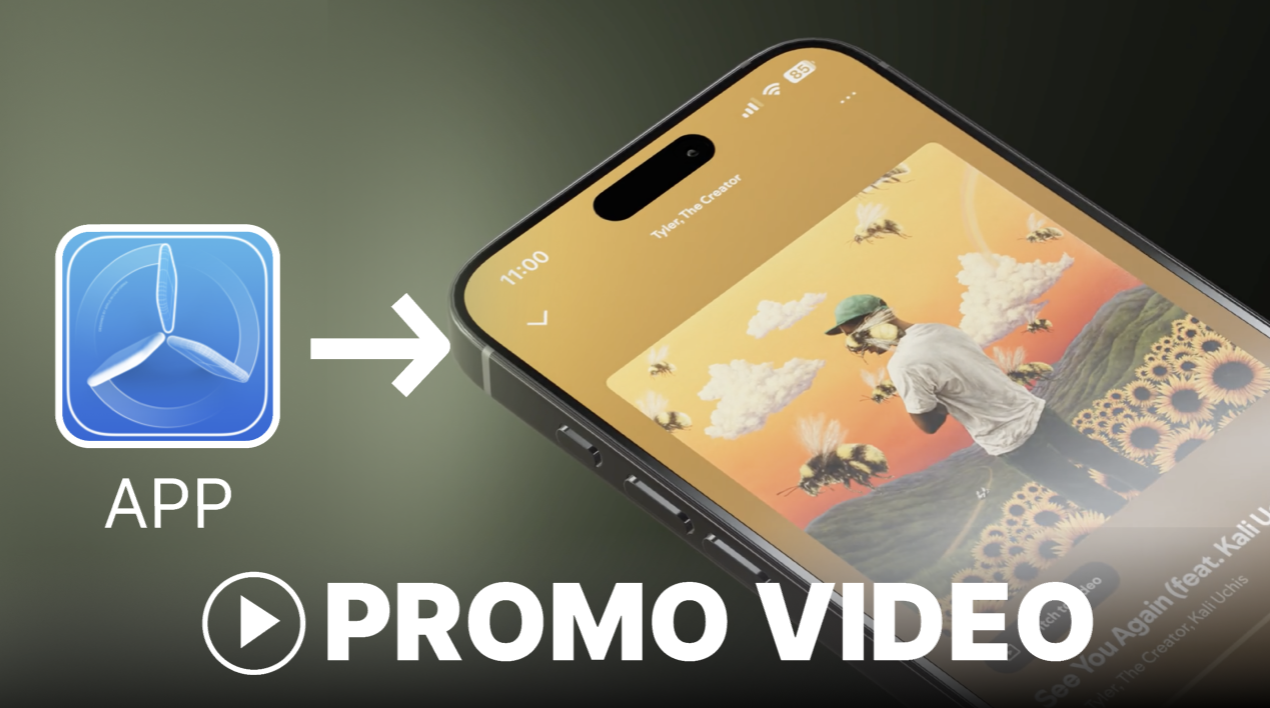
👋 Hey there! Want to make a high-quality app promo video without learning 3D animation or After Effects?
In this quick tutorial, I’ll show you how to create a professional-looking mobile app or website promo video using two tools: Promogen.app (a 3D phone mockup generator I built) and Canva (a free video editor).
This is perfect if you're launching a product, publishing on Product Hunt, or making an ad on social media like YouTube or TikTok.
⚡ No video editing experience needed 🎥 Works great for responsive websites, SaaS tools, and iOS/Android apps 🚫 No Blender, no After Effects, no expensive software
Here’s the final result we’re going to create:
And if you feel like watching this tutorial instead of reading it, here is a video tutorial on how to create a short app ad based on 3d mockup video templates:
✅ Step 1: Create Your Animations with Promogen
Create a free account here on promogen.app and upload a screenshot of your app or website, and crop it to your desired size:
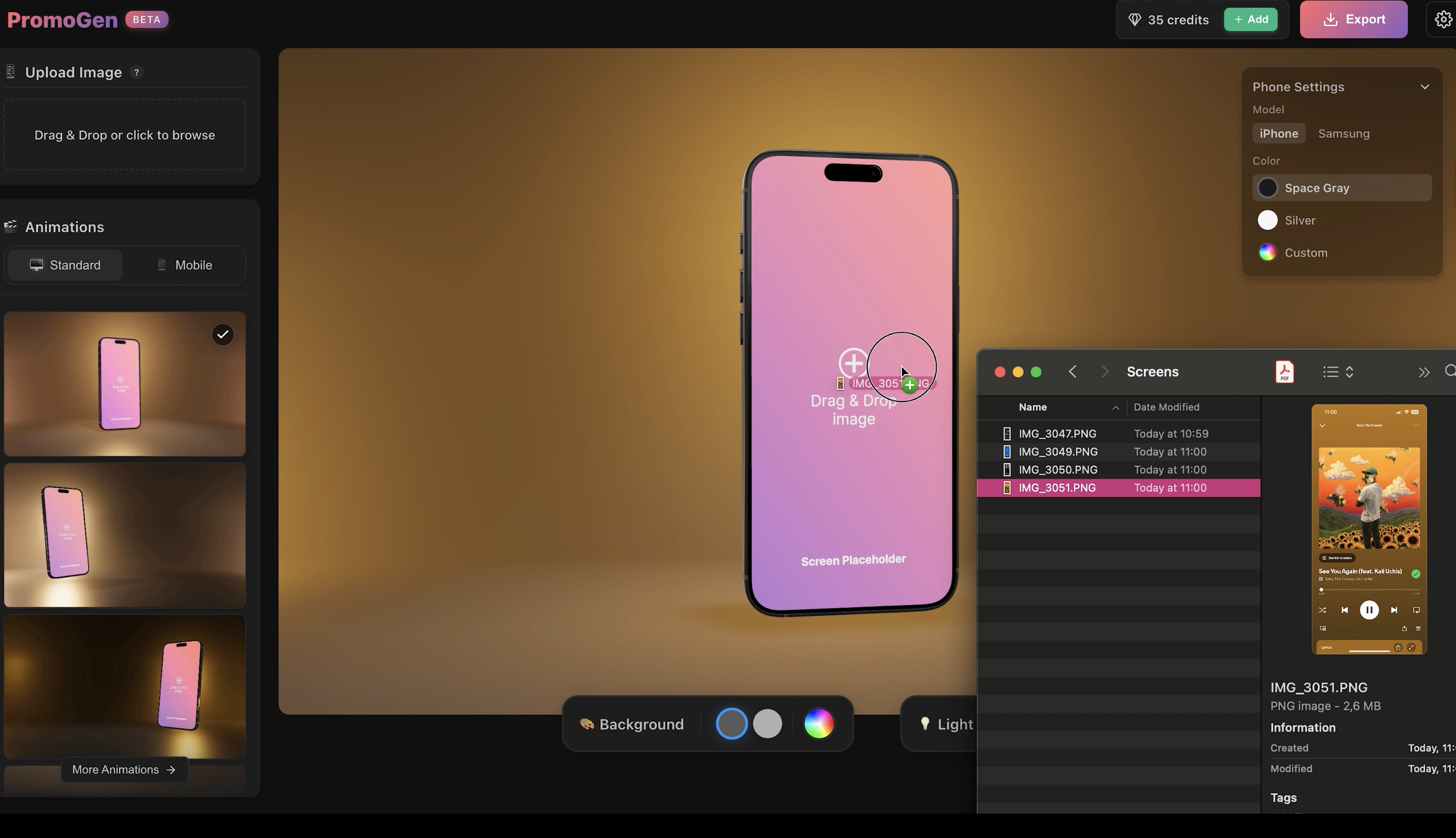
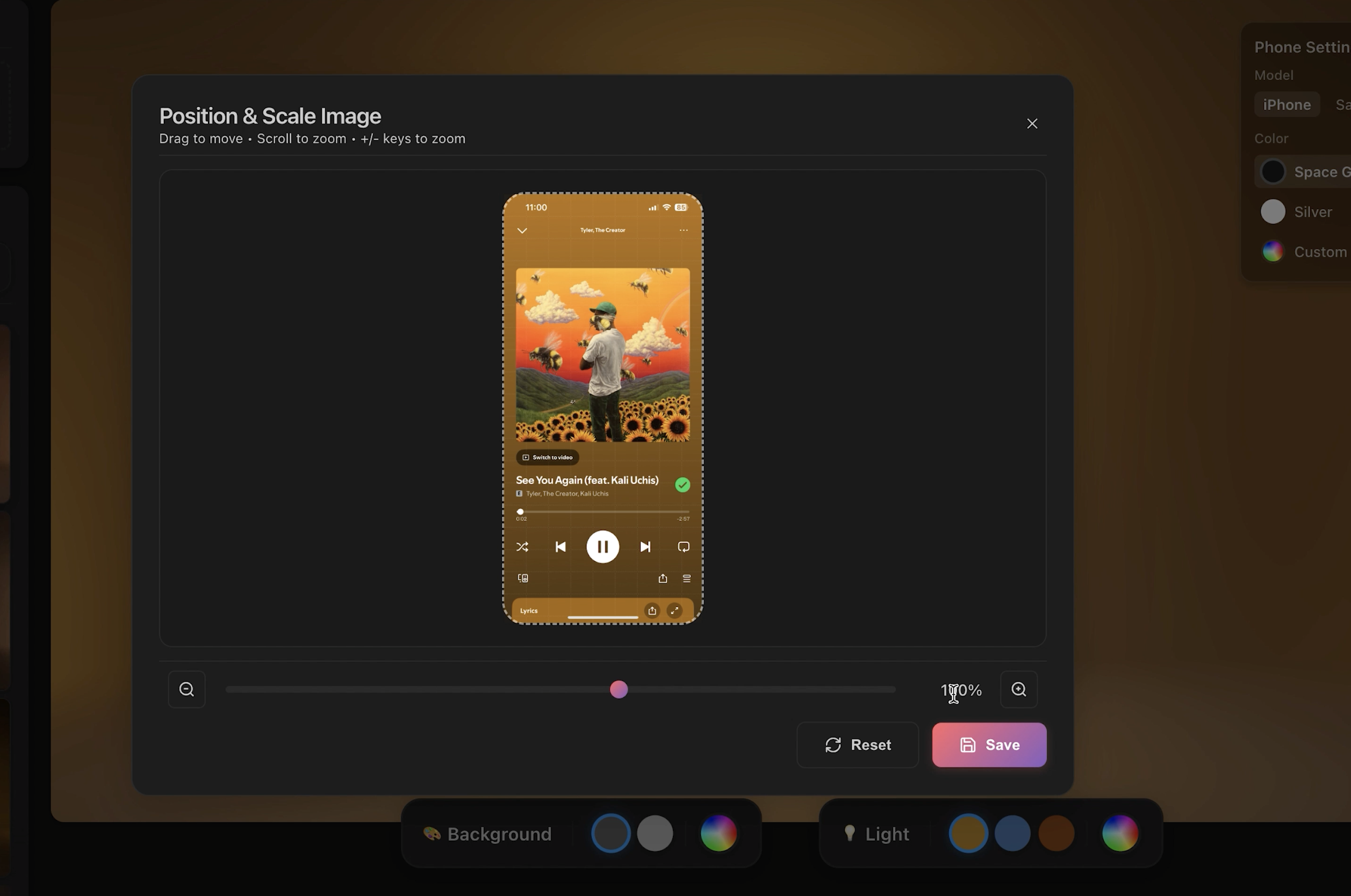
Once uploaded, you can:
Choose from different animation styles
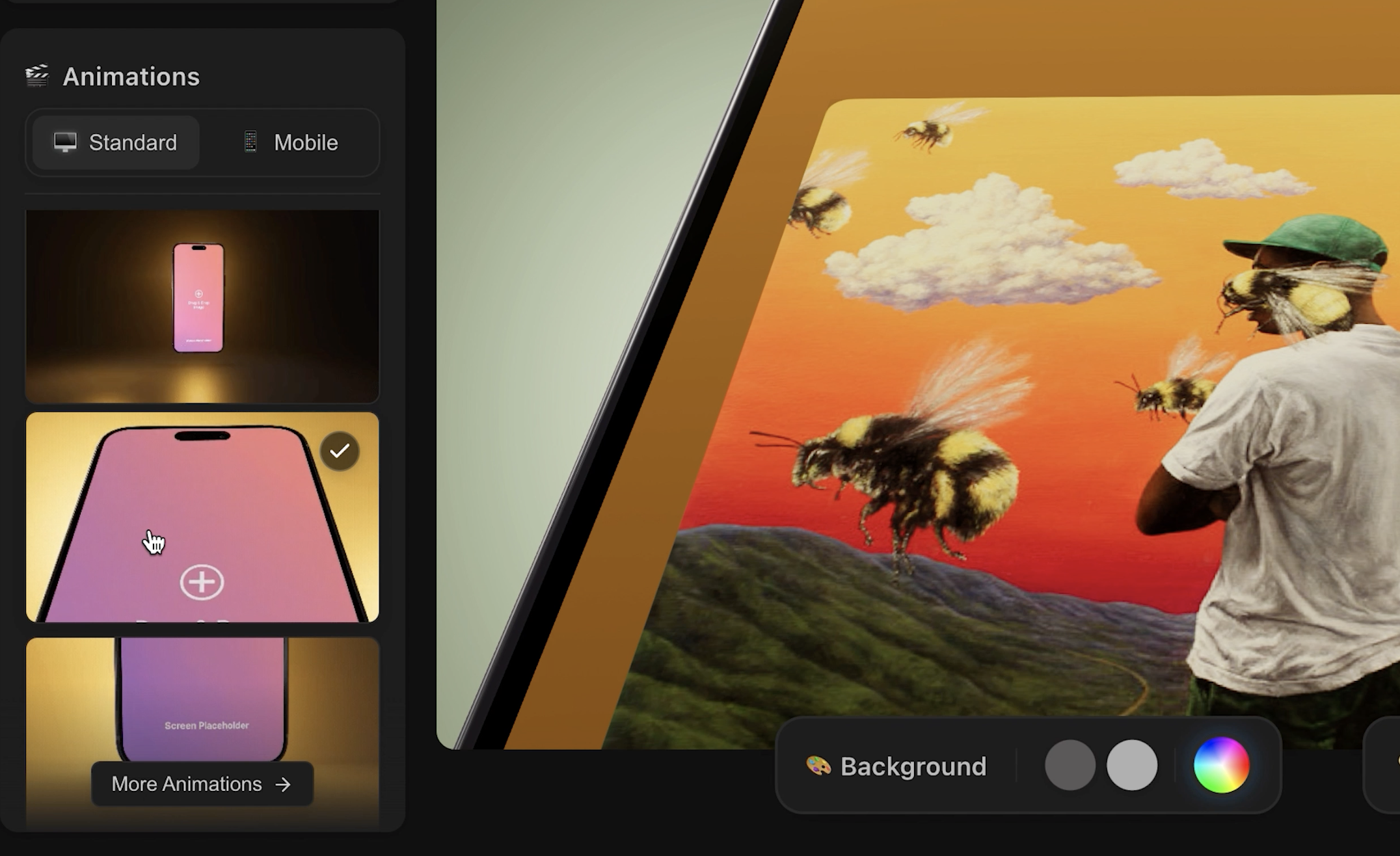
Pick a background color, phone model, and adjust lighting and shadows to match your app's vibe
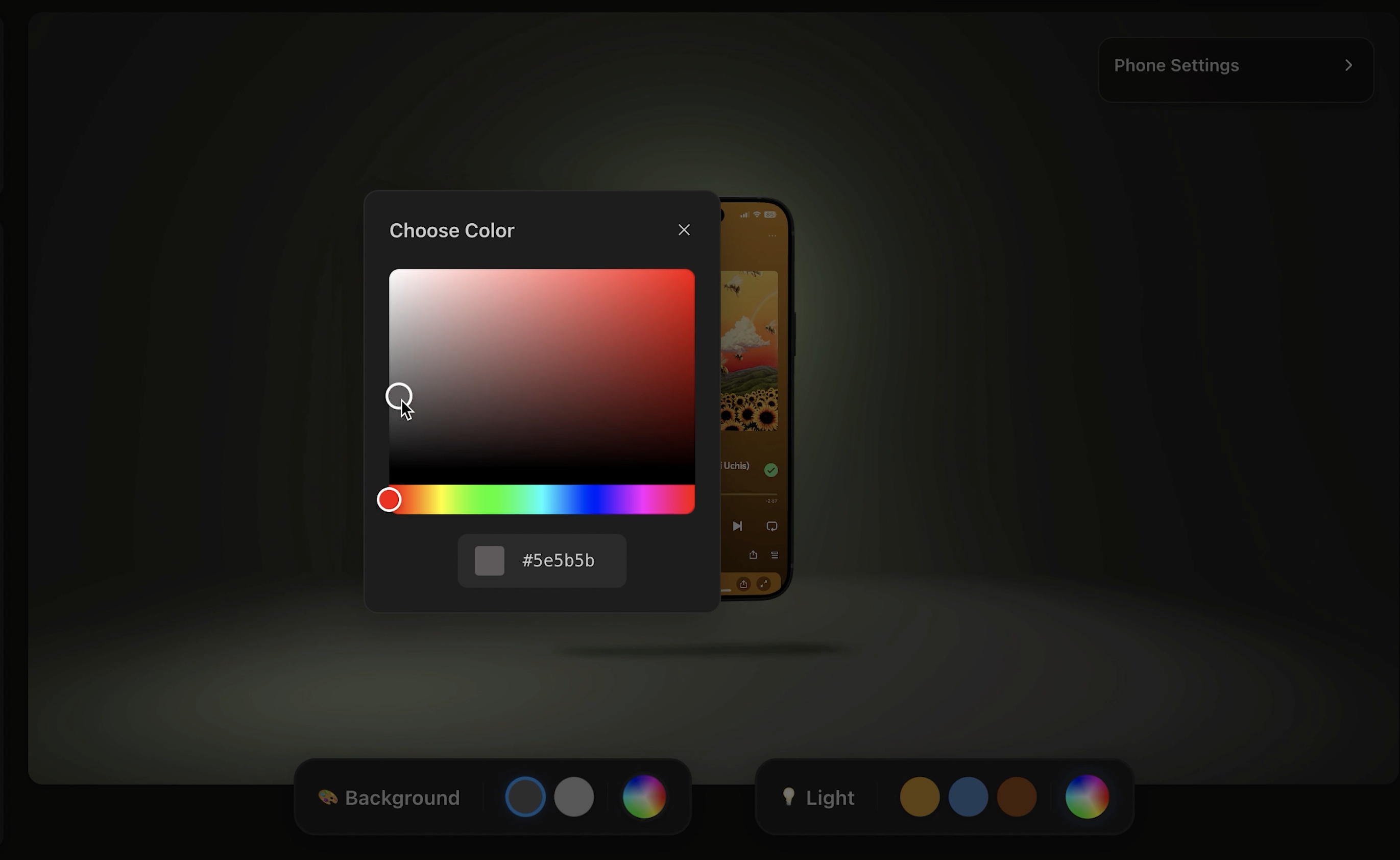
Then click Export. You can export in HD or 4K.
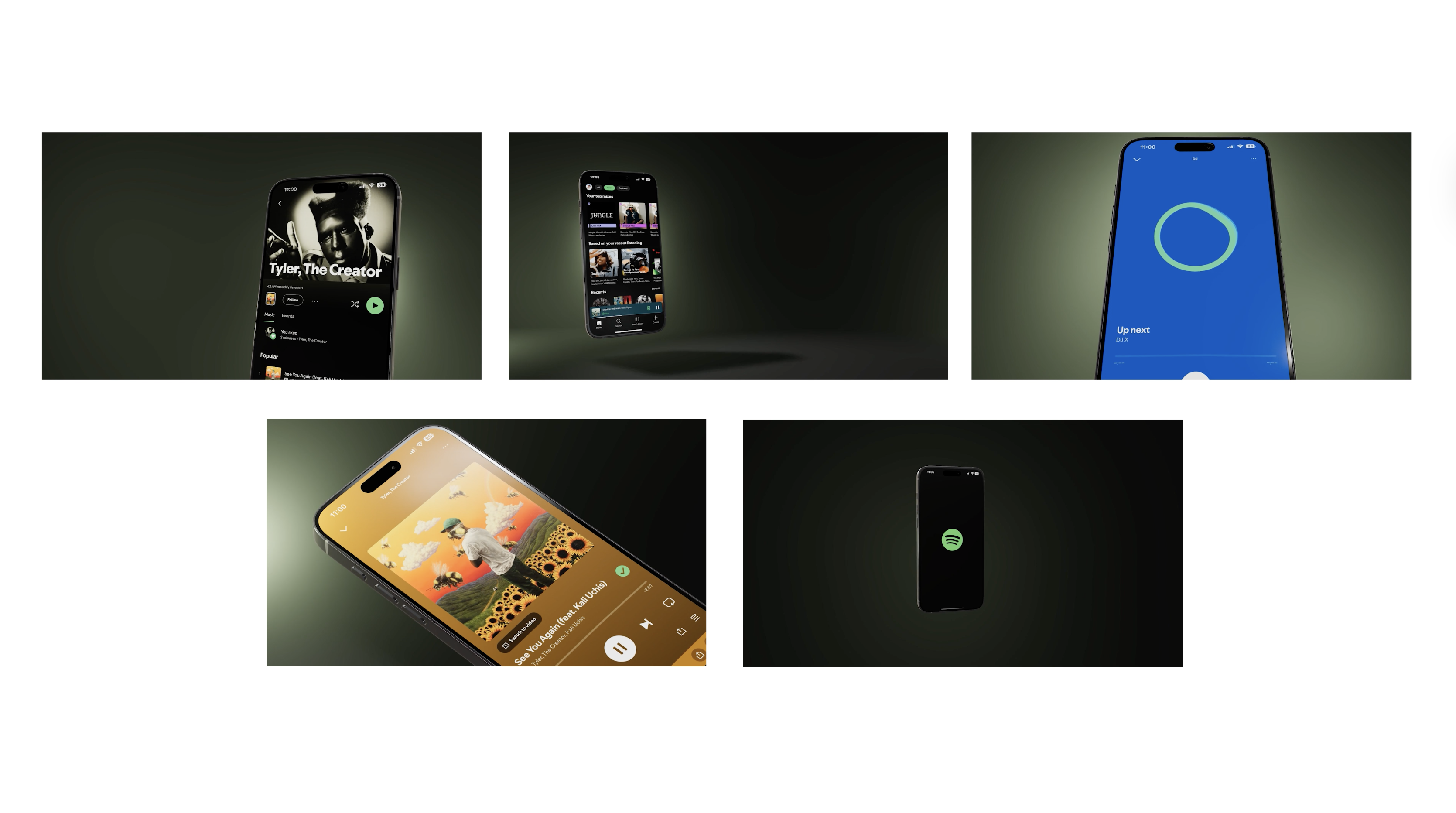
I created about five different clips using different animations and screenshots:
Some show full phone animations
Others zoom in on close-ups for feature highlights
✂️ Step 2: Edit in Canva (for Free!)
Now head over to canva.com and start a new video project.
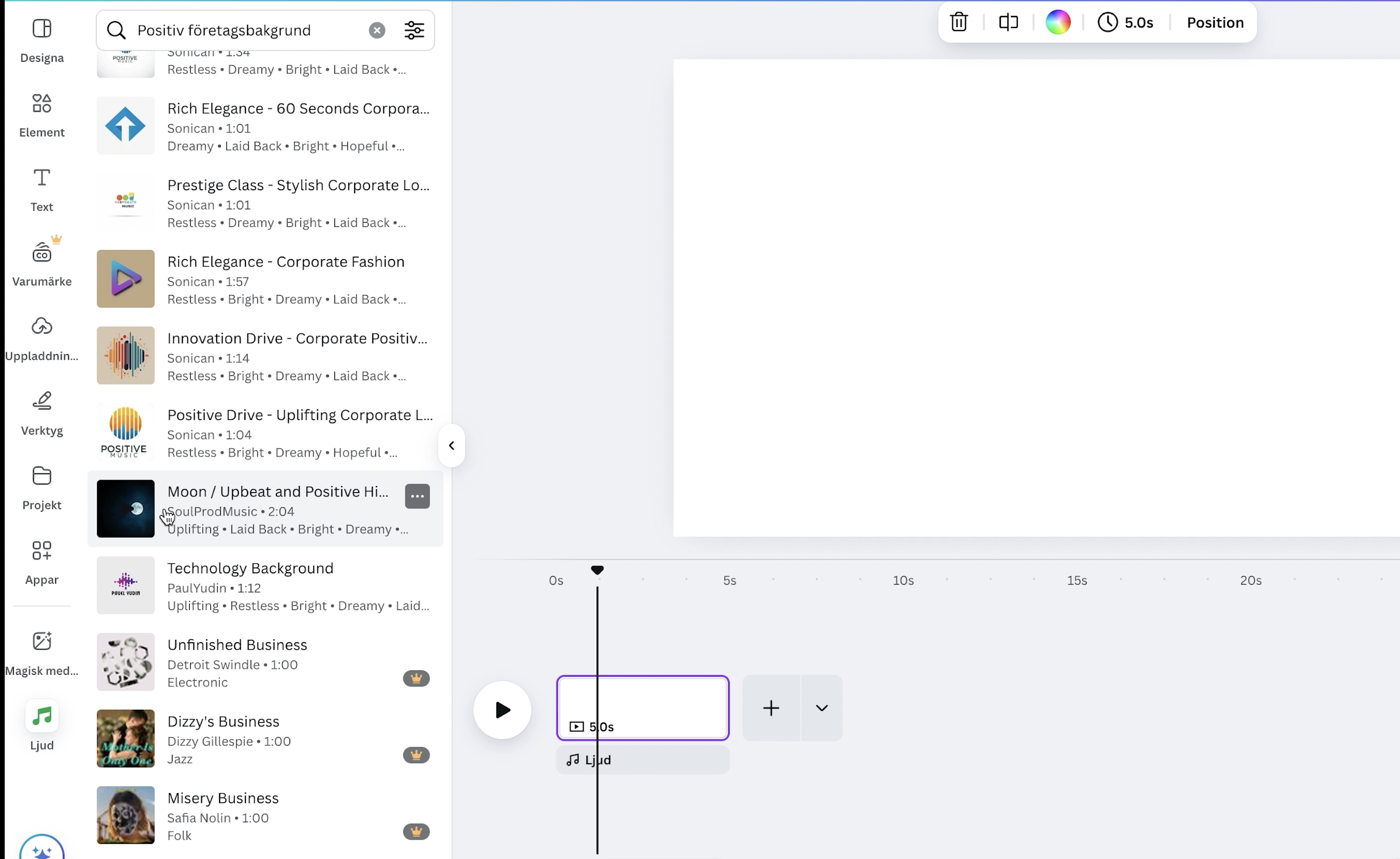
🎵 Add Music
Canva has a library of free tracks, but let’s be honest — finding a good one is the hardest part.
If you’ve got a tiny budget, check out:
Artlist.io
Epidemic Sound
For this tutorial, I used a free track from Canva, but make sure the music:
Fits your app’s tone
Has a clear “beat drop” or shift to match the visuals
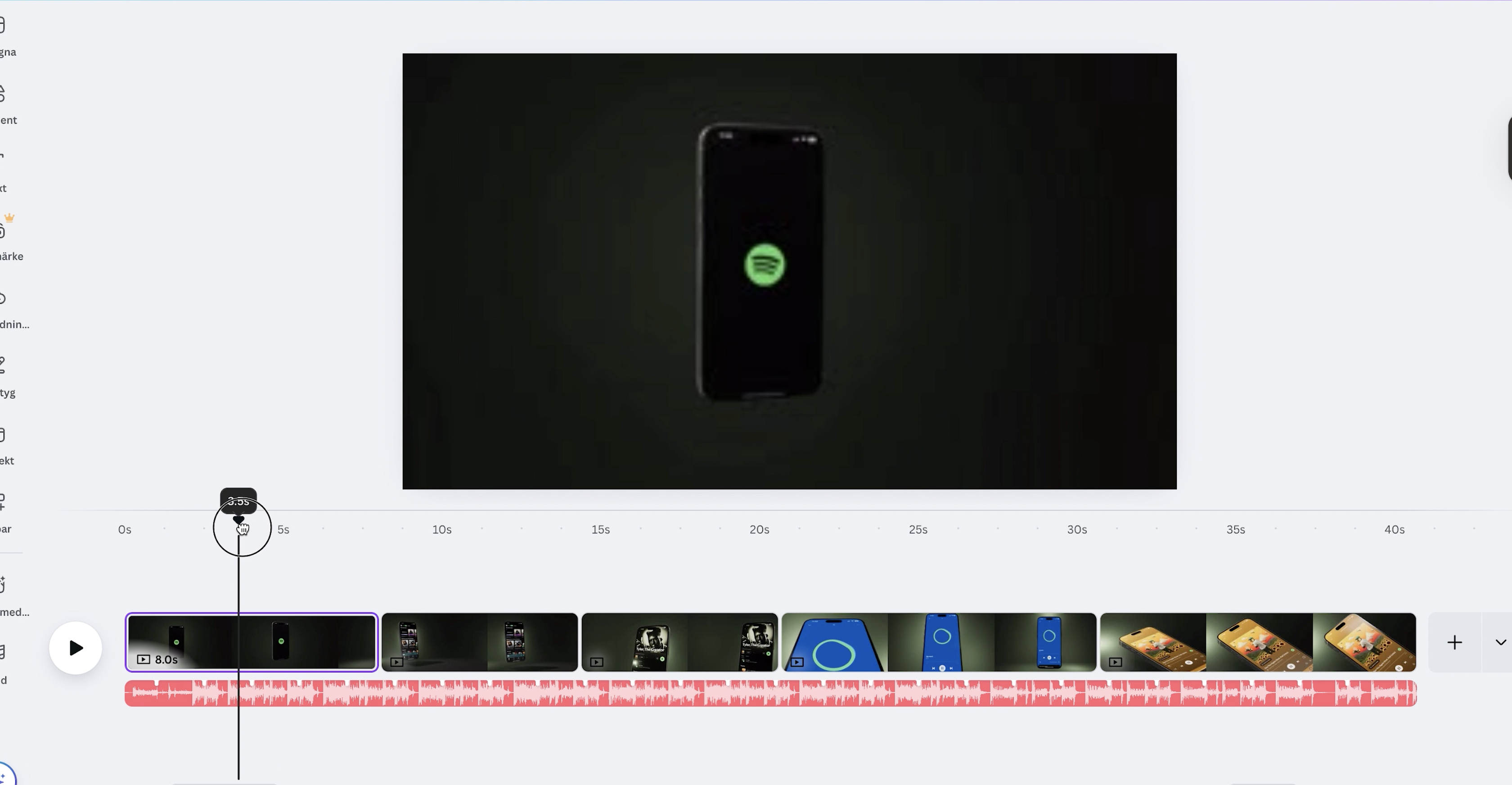
Upload the clips you exported from Promogen.
📝 Add Text
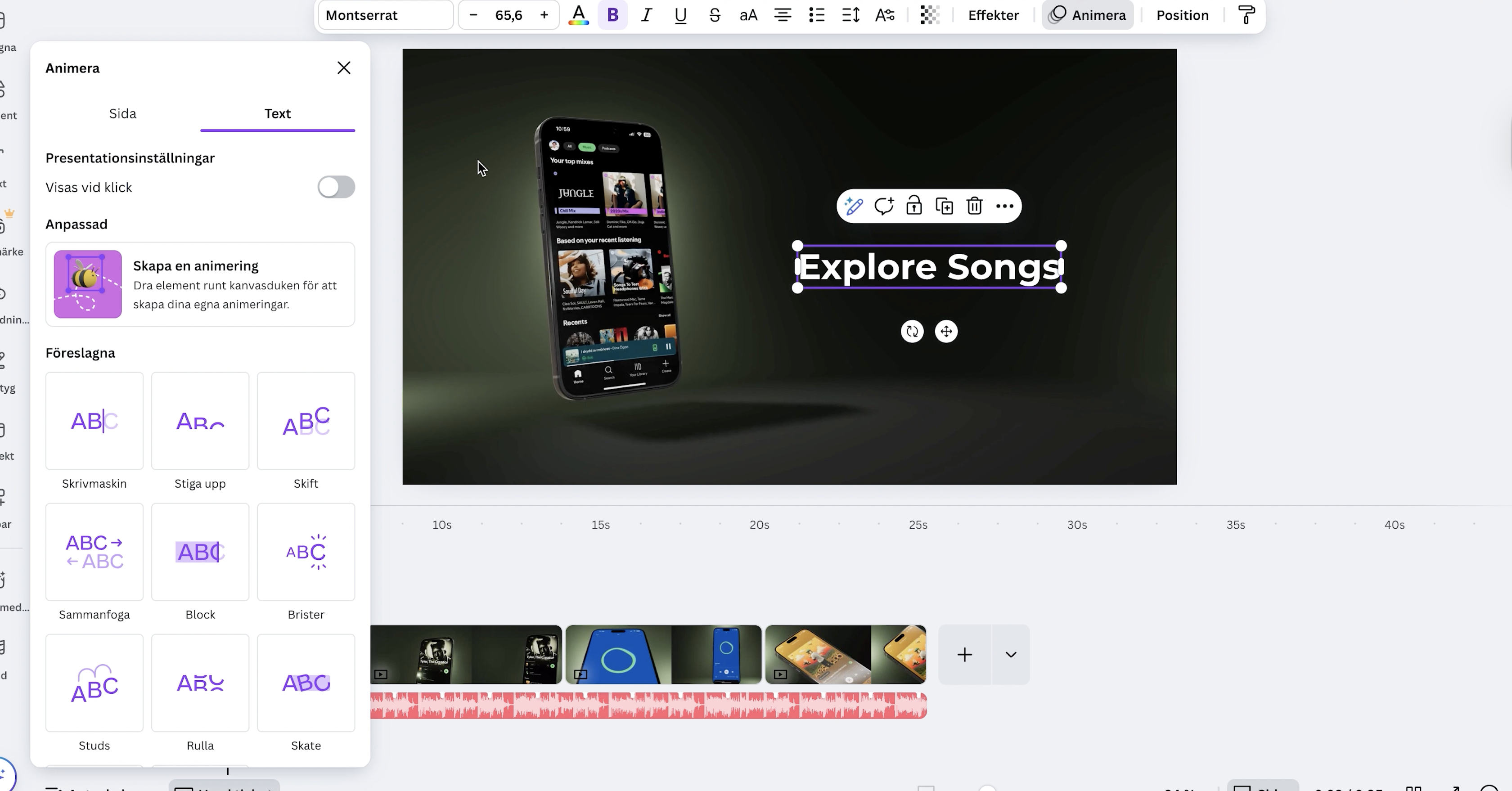
Use Canva’s text tool to describe your app features:
One text box per scene
Keep it short and readable
Place it opposite the phone to balance the layout
Add some subtle text animations like “fade in” or “slide up” for polish.
🏁 Finish with a Closing Slide
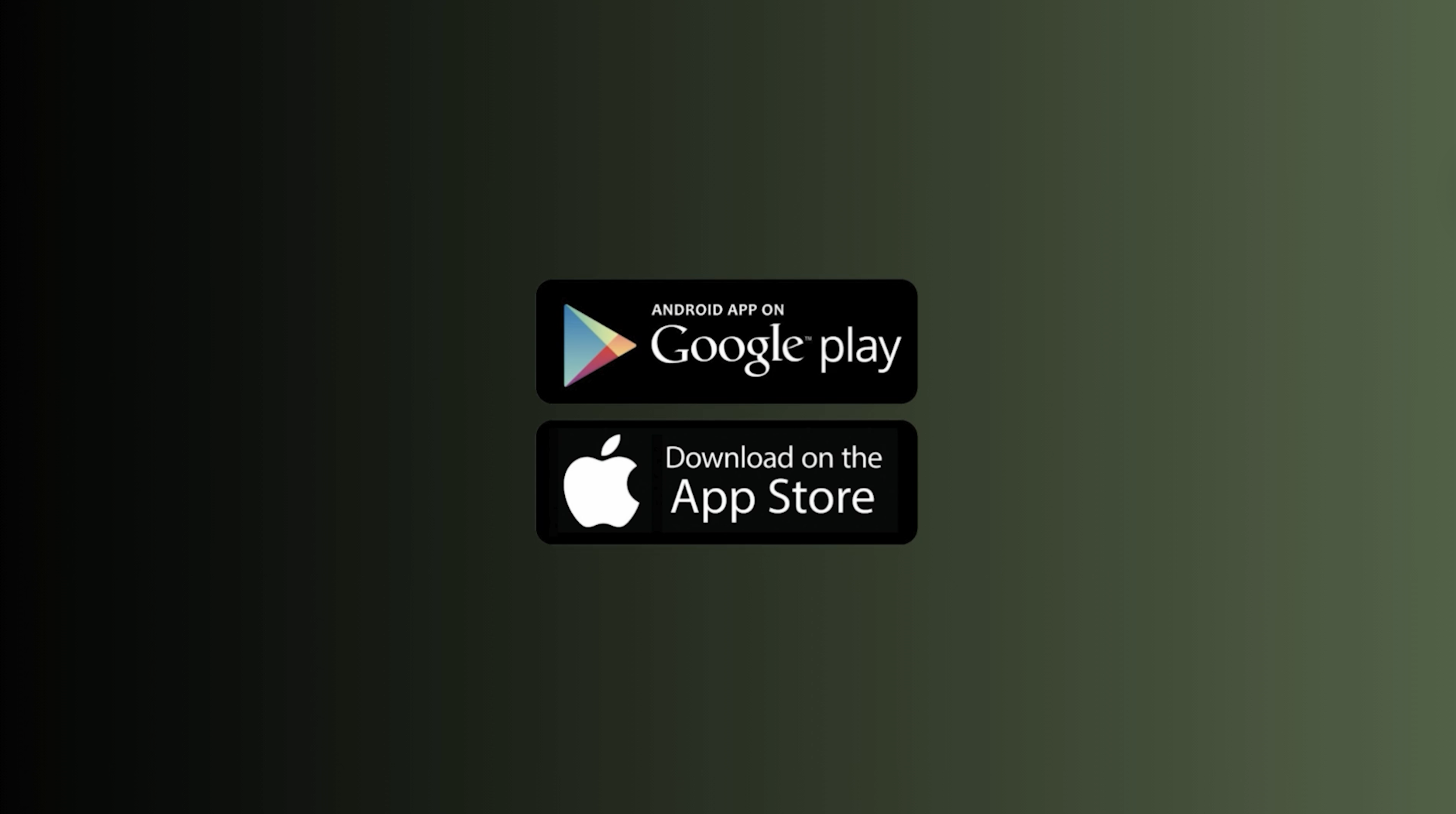
Create a final screen with:
A gradient background
Your app logo
Download buttons (App Store / Google Play)
You can search Google for “App Store download badge” and drag them in.
⏱️ Total Time: About 30 Minutes
That’s it — all done! 🎉
If I had done this the old-school way (Blender + Premiere Pro), it could’ve taken a day or more.
With Promogen + Canva, it took less than an hour.
💸 Cost?
Promogen has a free tier for basic exports
Paid plans are available for more complex projects with many videos
Canva is free, unless you want premium music or assets
So for most people, this tutorial costs $0–6, vs. hiring a motion designer or learning video software.
🙏 Thanks for Watching/Reading!
I hope this helped you build something awesome.
If you have:
Feedback on the site
Suggestions for new features
Or want more tutorials like this
... reach out on [YouTube/Twitter/etc]. or send me an email david(at)promogen.app
I built Promogen for creators like you. See you at the next tutorial! 👋